
Tracking & Replay
Live & Replay Viewer
Watch ongoing races and replay finished sessions on the web: view course marks, boat trails, real-time leg rankings, timeline scrubbing, and distance measurement.
1. Race Map & Live Leaderboard
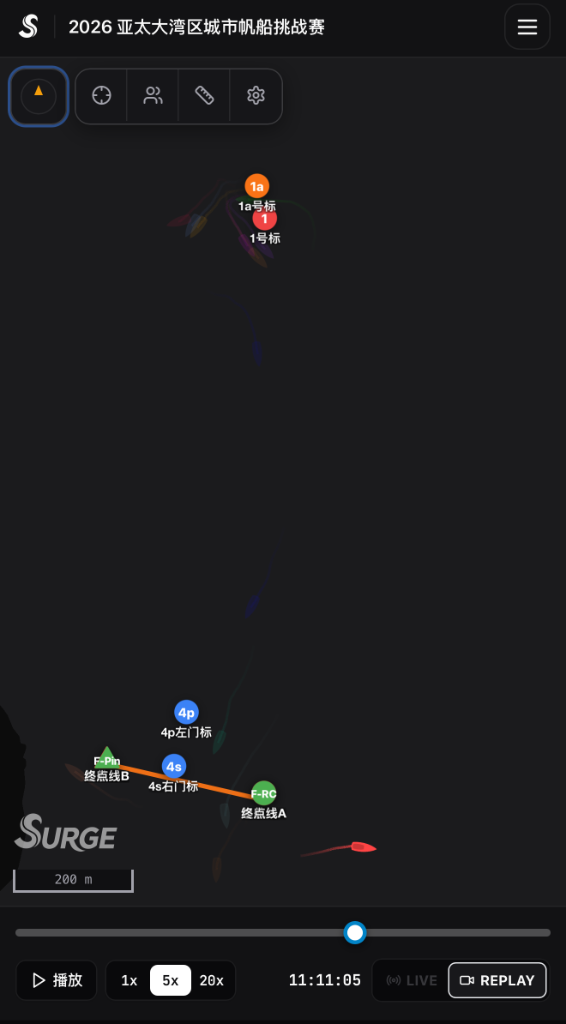
Open the race viewer webpage to see the entire course and fleet positions in real time:
Live Broadcast & Replay Viewer LayoutMap · Leaderboard · Replay Scrubber
RACE 03TWD: 045° @ 12.4 kts
1x / 5x / 10xLEADERBOARD
Mark 1 (Windward)
Start Line
▲ CHN 21887.2 kts
▲ HKG 12086.9 kts
RANK · FLEETGAP
1. CHN 2188LEADER
2. HKG 1208+42m
3. JPN 4402+115m
Scrub timeline to replay start/roundings or snap to live raceLIVE / REPLAY
- 01Course marks & wind indicator: displays the start line, rounding marks, finish line, and True Wind Direction (TWD) arrow.
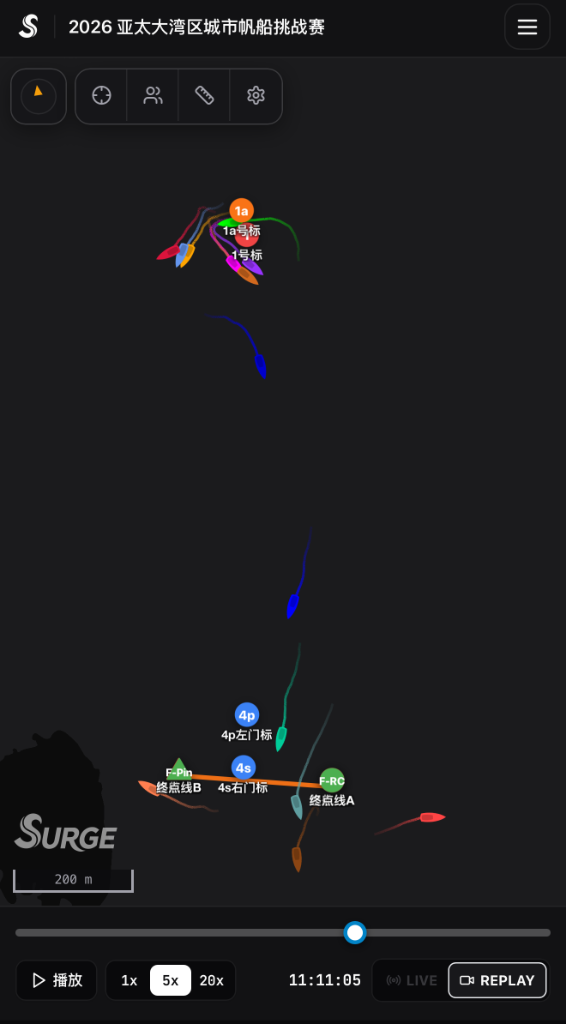
- 02Boat positions & trails: each boat is shown with its sail number, current speed (SOG), heading, and a color-coded trail showing recent movement and tacks.
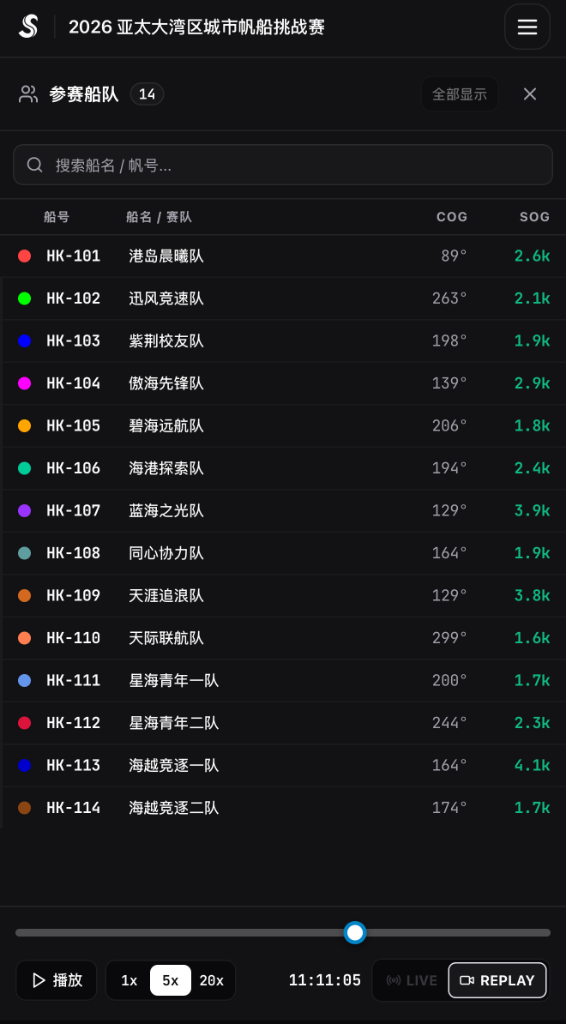
- 03Live Leaderboard & boat spotlight: the fleet list ranks boats dynamically along the current leg, showing distance gaps behind the leader. Click any boat to lock the camera onto it.
2. Timeline Scrubber & Multi-Speed Replay
Whether a race is currently in progress or already finished, you can use the bottom timeline bar to review any moment:
- 01Drag timeline scrubber: drag the progress bar to jump directly to the start sequence, mark roundings, or finish line crossings.
- 02Playback speeds (1x–20x): switch between 1x, 2x, 5x, 10x, and 20x playback speeds to review a 60-minute race in a few minutes.
- 03Snap back to LIVE: during an ongoing race, click the LIVE button to return immediately to real-time positions.
3. Mark Zoom, Distance Ruler & Big Screen Display
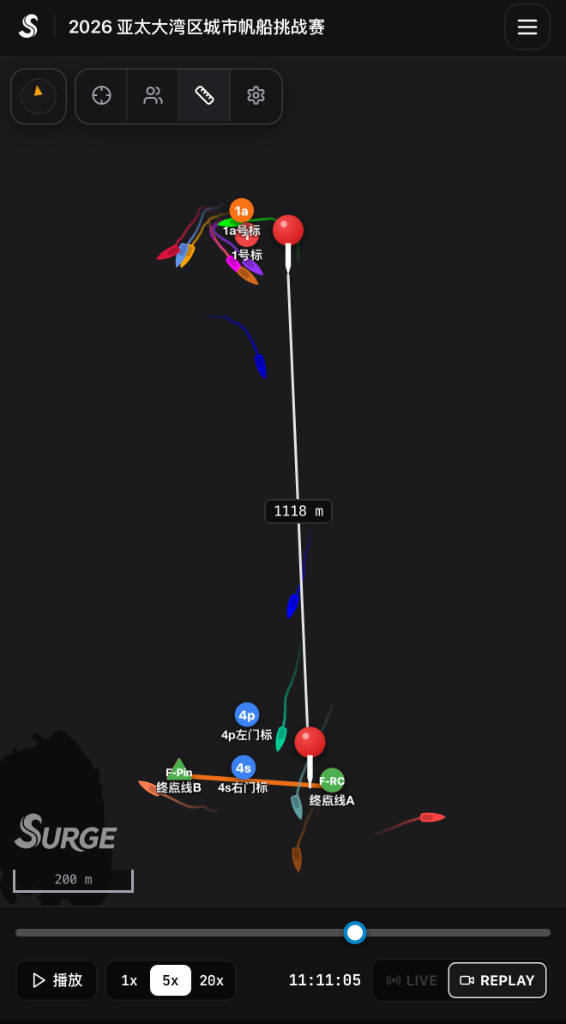
- 01High-precision mark zoom: zoom in on crowded mark roundings or start lines to inspect boat spacing and inside/outside overlaps.
- 02Distance measurement ruler: click the ruler tool to measure the exact distance in metres or nautical miles between any two boats or across the start line.
- 03Fullscreen display mode: press F11 or open fullscreen mode to display the live race on clubhouse TV screens.