

Fleet positions and tracks
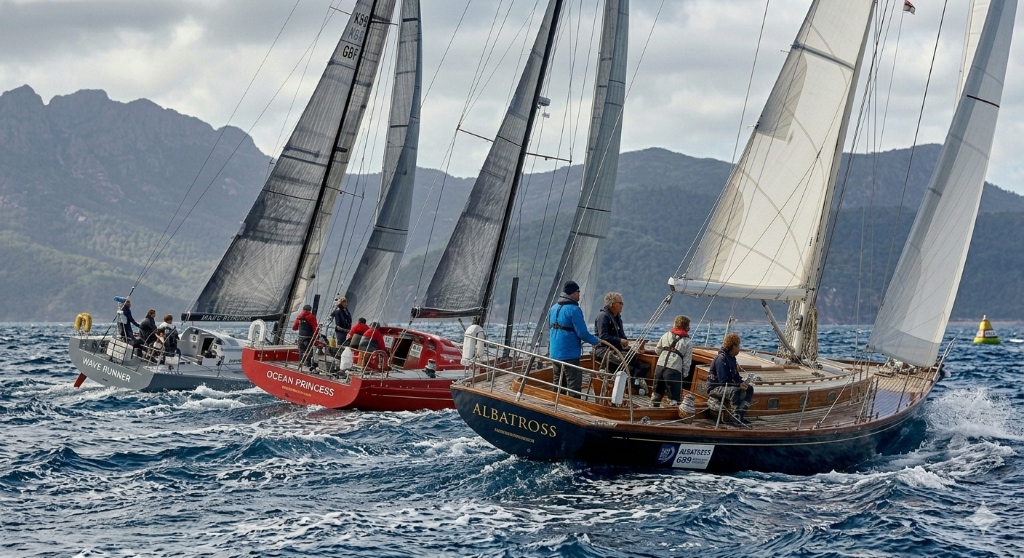
The interactive map displays reported boat positions, speed and tracks. Viewers can select boats and switch between available races.
- Boat positions, speed and tracks
- Boat selection and map controls
- Race selection
SurgeRace / Features
Find the tracking, management, analysis and scoring tools your event needs.
01
What viewers can see in a published event.
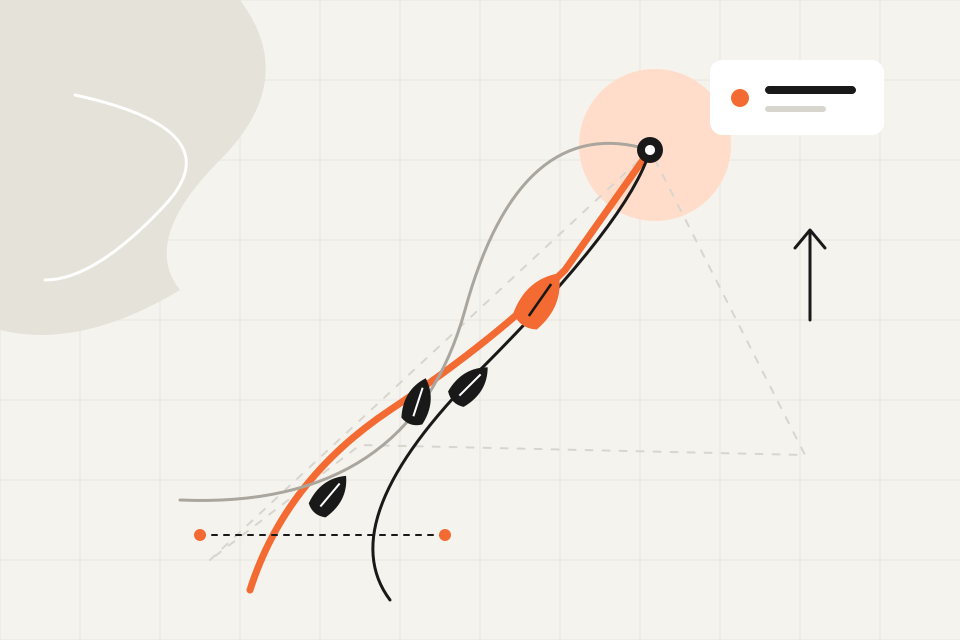
The interactive map displays reported boat positions, speed and tracks. Viewers can select boats and switch between available races.
Published event links give spectators access to available live and recorded races, with boat selection and map display controls.
Live coverage depends on incoming position reports and connectivity. Public access follows event publication settings.
02
Entries, race assignments, course configuration and race-day tools.
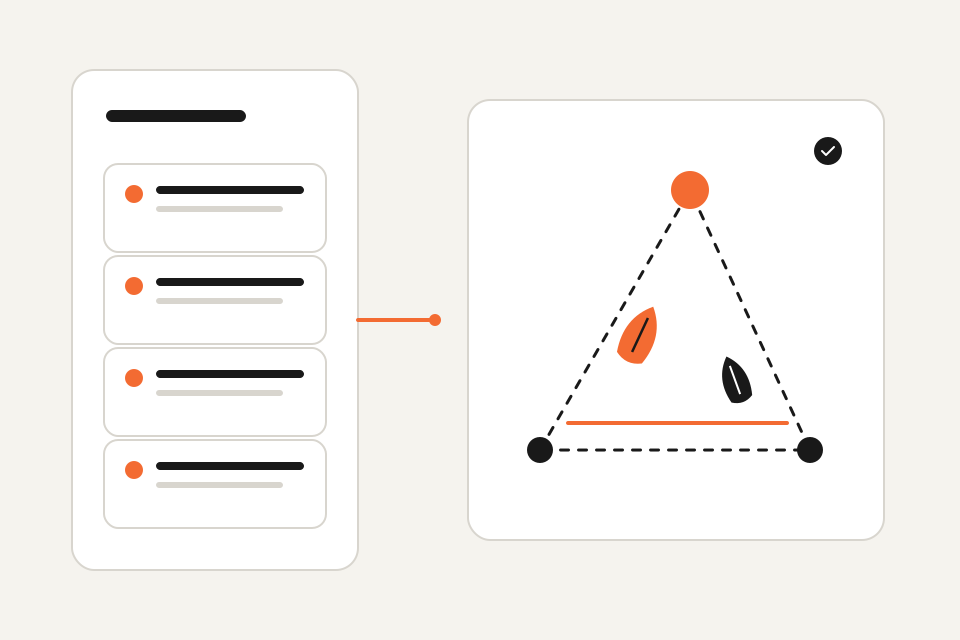
Event and race records include competitors, sail numbers, groups, course marks, start lines and finish lines.
Equipment lists, shared mark placement and signal-time calculations support coordination between shore and water teams.
Import entry lists for AI to organize teams and groups and assign teams to races. With mark tracking connected, AI identifies marks and courses and matches them to races.
Supported import formats and management APIs connect existing event data to the workspace.
AI course recognition requires position data from tracked marks.
03
The comparisons and exports available for recorded races.
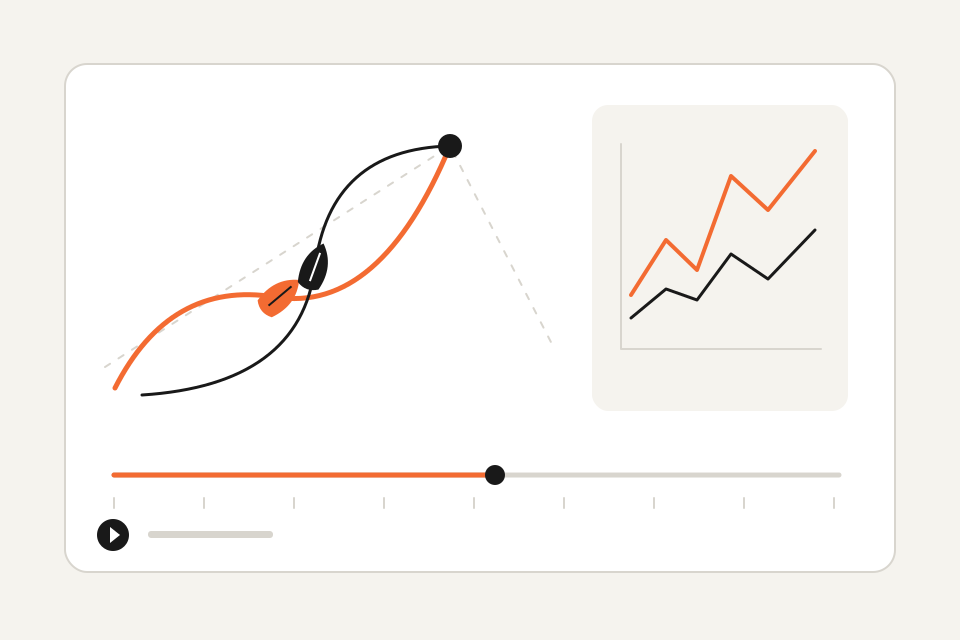
Inspect the line, signal time and boat positions together. Compare crossing time, distance to the line and progress in the first 30 seconds.
Compare leg duration, sailed distance, speed and progress. Select up to eight boats for the supported distribution and leg comparisons, and return to the tracks to understand the context.
Locate individual tacks and gybes on the track, inspect speed and projected progress, and review mark roundings by course step. Export the available CSV summary or print the report to PDF for discussion.
Analysis depends on track coverage, course configuration, signal time and wind reference. Estimates describe recorded performance; they do not replace confirmed results or establish why a tactical choice succeeded.
04
Tracking sources, assignments and reported device status.
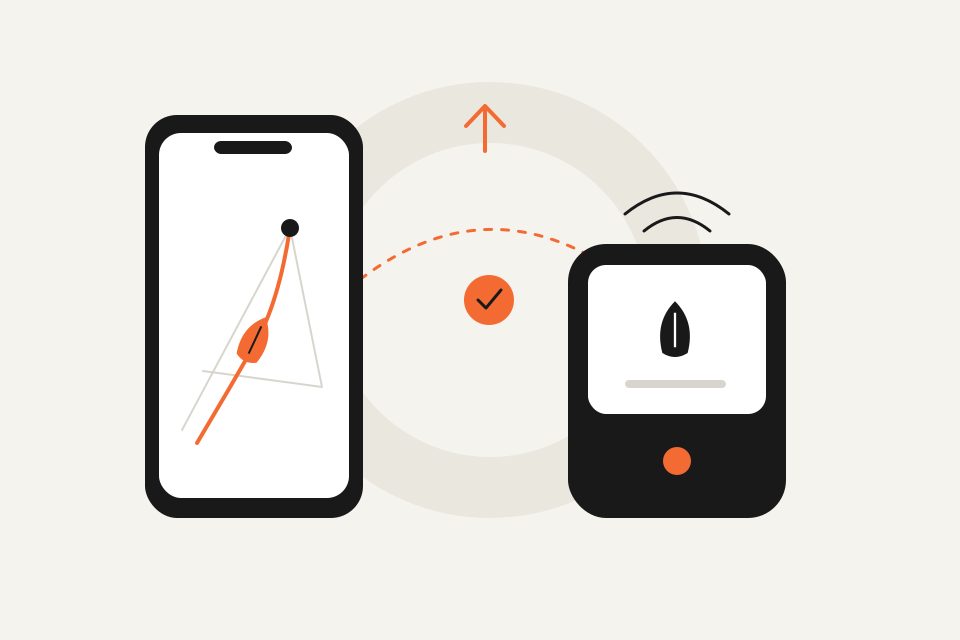
SurgeTrac phone tracking and supported dedicated trackers can supply positions to the same event.
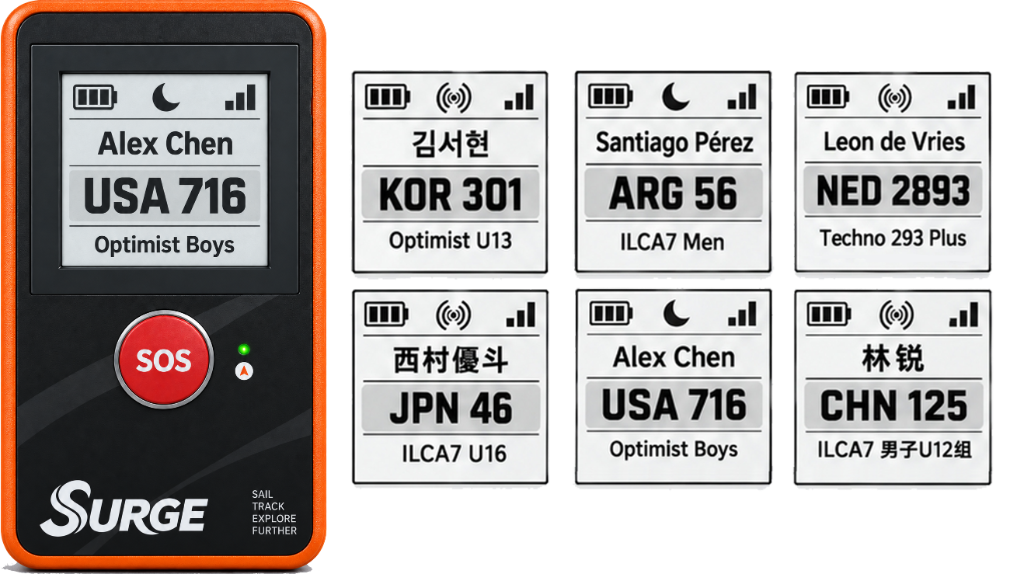
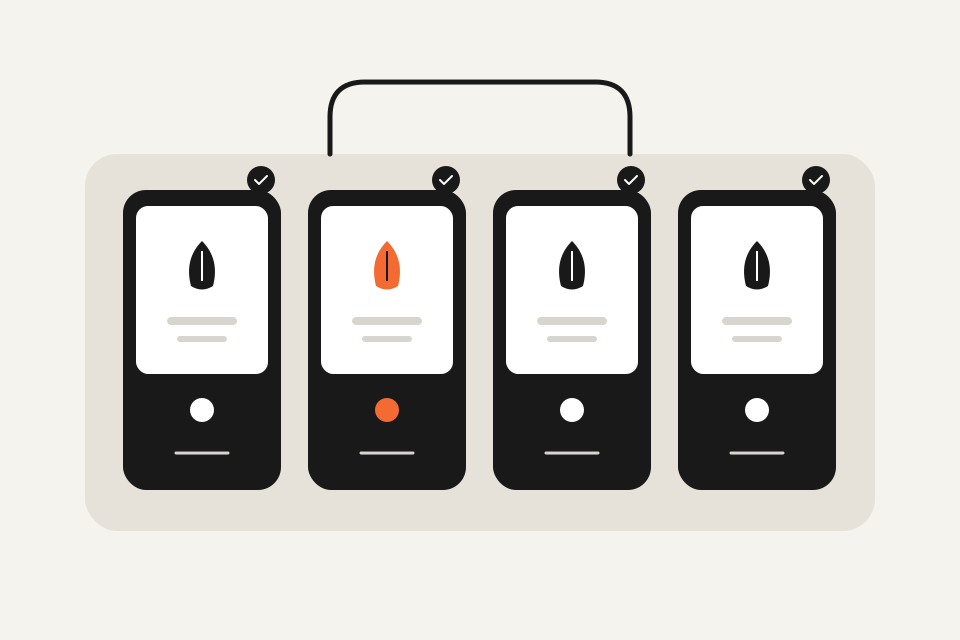
Event assignments link tracking sources to boats. Supported hardware receives boat identity, display and tracking configuration.
Status views include last report, position, reported battery and boat assignment. Short-code lookup provides a direct device check.
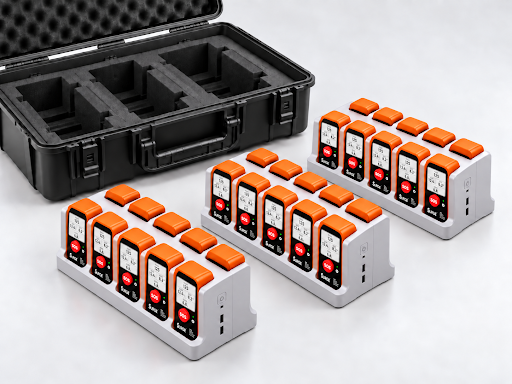
Boat identity displays, reported battery and configuration status, inventory and device distribution. Fleet Dock equipment supports storage and handover.
Hardware availability, compatibility, battery life and positioning performance depend on the supplied equipment and deployment conditions. Confirm these when arranging a service.
05
Scoring options, committee review and result publication.
Scratch and IRC scoring cover race and series results, including discards. Track-based finish estimates support committee review alongside result codes and adjustments.
Keep race results and series standings together. Export result sheets as CSV or use browser print to save a PDF.
Tracking supports the race committee. Finish estimates and analysis rankings do not automatically become official results. Public publication requires an eligible event entitlement and fleet size.
Open your event workspace, or discuss equipment and support with us.