
Event Ops
Course & Buoy Setup
Set up course marks in the backend, and position them using either the Mobile Tracking Best Practice (1 tracking phone on the starting boat + manual mark placement for all other buoys) or Hardware Buoy Trackers.
1. Set Up Course Marks in the Backend
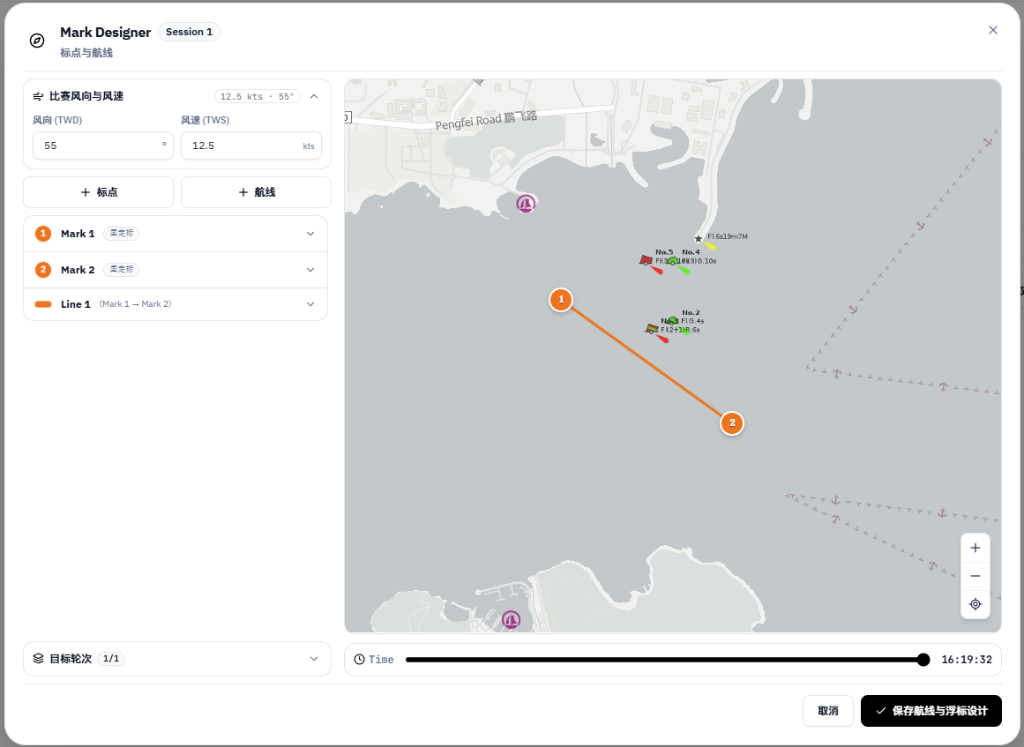
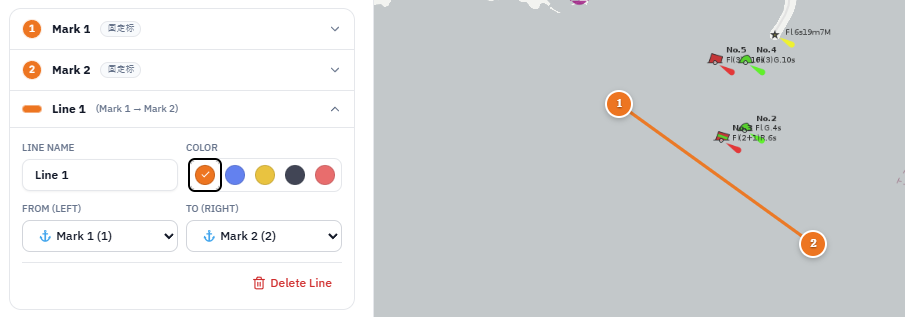
In the event workspace under Course Designer, operations staff set up the start line, rounding marks, and finish line:
- 01Choose a course layout: select a standard course template (such as Windward/Leeward with Gate, Triangle, or Coastal route) or add marks directly.
- 02Configure start and finish lines: set the starting boat (RC vessel) and pin-end buoy for the start and finish lines.
- 03Set rounding order & laps: specify the rounding sequence (e.g. Start ➔ Mark 1 ➔ Gate 4s/4p ➔ Finish) and number of laps.
2. Mobile Tracking Best Practice vs. Hardware Buoy Trackers
Depending on whether your regatta uses Mobile Phone Tracking or Hardware Trackers, use the corresponding method to position the marks on the water:
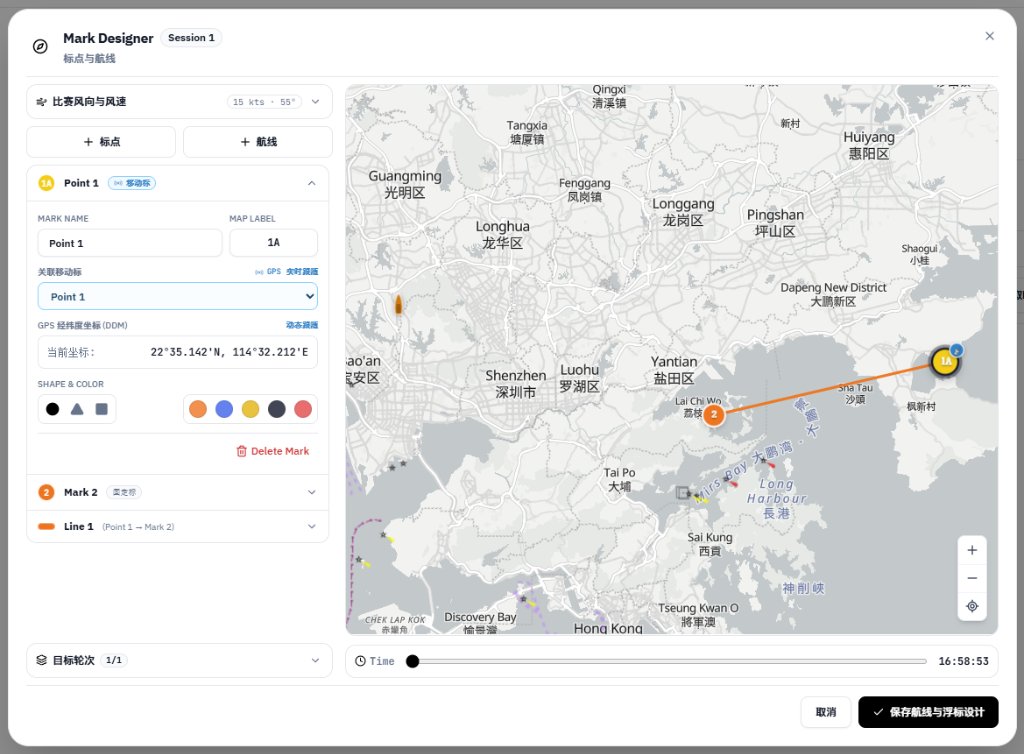
- 01Mobile Tracking Best Practice — 1 Tracking Phone on Starting Boat + Manual Placement for All Other Marks: when running a mobile-tracked race, only the Starting Boat (RC vessel) carries a tracking phone (or a single hardware tracker) bound to the RC boat mark. Because the starting boat is anchored on the start/finish line, locking its GPS position automatically anchors your course reference point. All other marks (Mark 1, gate marks, pin end) are manually placed on the backend map by the operations staff using the bearing/distance or coordinates reported by the RC boat.
- 02Hardware Tracker Mode — Waterproof Trackers Tied Onto Physical Buoys: when running a hardware-tracked race, bind dedicated hardware trackers to Mark 1, gate marks, the pin buoy, and the RC boat in the backend, and tie those trackers directly onto the physical buoys on the water. As buoys are dropped or moved, their live positions update automatically.
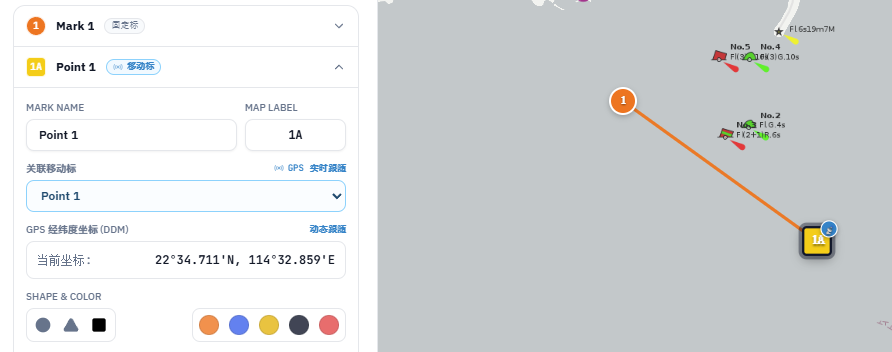
3. Editing Buoy Positions & Post-Race Track Alignment
- 01Manual Mark Placement & In-Race Edits: when the RC boat reports the course or moves a mark between races, operations staff simply drag the mark on the backend map (or type its coordinates) and save—the live broadcast map updates immediately.
- 02Post-Race Alignment Using Fleet Rounding Tracks (Ideal for Mobile Mode): in Mobile Mode where Mark 1 and gate buoys are marked manually, as soon as the leading boats round Mark 1 or after the race finishes, operations staff can see the exact rounding loops of the fleet on the map and drag the manual mark right into the center of the rounding tracks so leg rankings and VMG analysis are 100% accurate.