

Event Ops
Pre-Race Setup
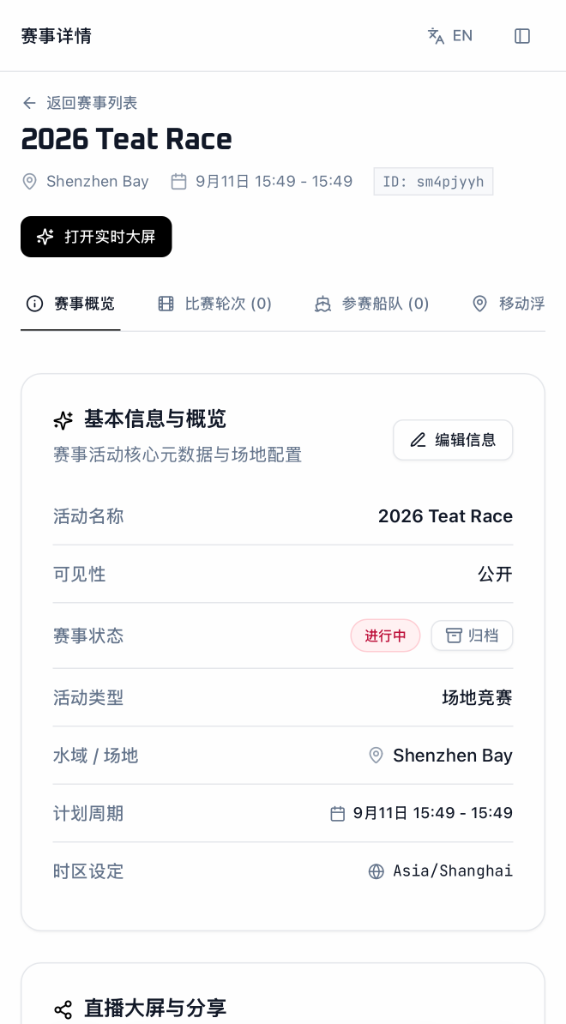
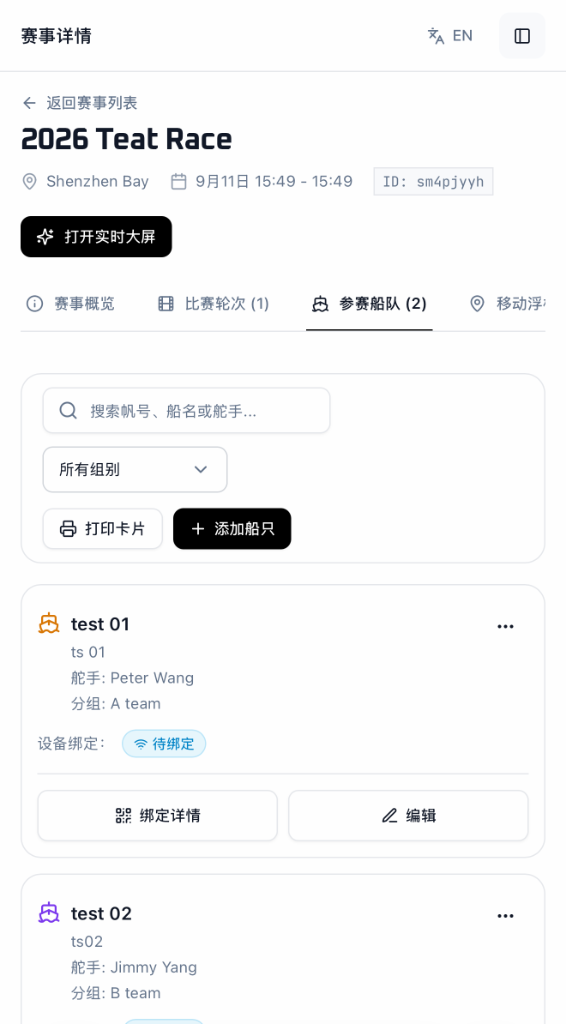
Step 1 of Event Operations: verify account permission for large events, add tracking rules to the Sailing Instructions, and create the Event, Sessions, Fleet, and Marks.
1. Check Permission & Update Sailing Instructions (SI)
- 011. Verify Account Permission for Large Regattas: before creating an event, check that your account has permission to create a public/large regatta and that your boat limit covers all participating entries.
- 022. Add Tracking Clause into Sailing Instructions: insert the standard tracking clause into the Sailing Instructions (SI) before publishing them to teams, specifying that boats must carry tracking and that tracking displays cannot be used as grounds for protests between boats.
2. Create Event, Sessions, Fleet & Marks in Backend
Operations staff enter the core regatta information into the backend once before the event starts:
- 01Event (赛事): create the top-level event, setting the event name, racing dates, location, and public visibility.
- 02Sessions (比赛场次): create the scheduled race sessions (e.g. Race 1, Race 2, Race 3). Each session records one individual race.
- 03Fleet (赛队): import or add the competing boats (boat name, sail number, and division/group). All race tracks and scores belong to the boat entry.
- 04Marks (标点): add the course marks (start line, Mark 1, gate marks, finish line) that will be used on the water.
3. Simple Division of Work: Operations Staff & RC Boat
- 01Operations Staff (赛事运营人员): sets up the backend, prints the QR code sheet or assigns hardware trackers, watches the monitoring screen before launch to confirm all devices are picked up, edits start times and buoy positions during the race, and checks data after racing.
- 02Race Committee Boat (水上裁判船): places trackers on course buoys (or keeps a tracking phone/tracker on the starting boat), and informs operations staff of the course layout and exact start gun time for each race.